
Automate functions with RMS task manager(日本語)
2021年12月2日木曜日 9:00:00 UTC
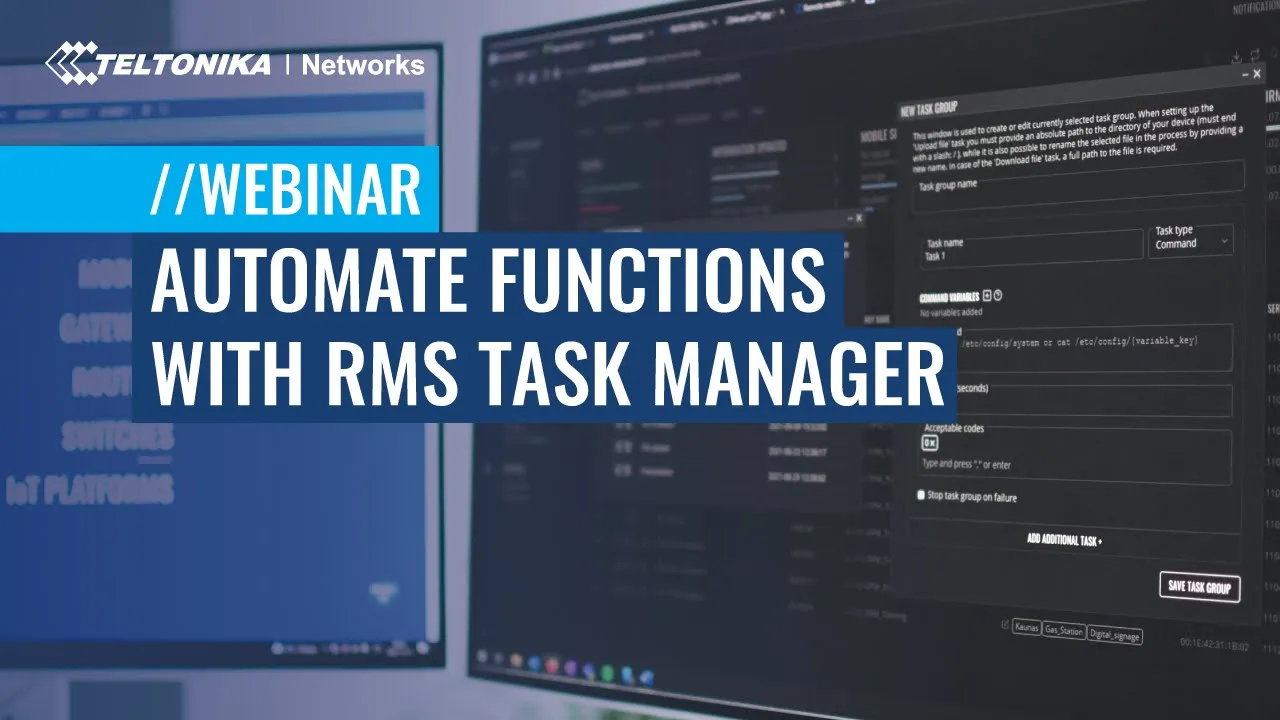
In this webinar, we invite you to delve deeper into one of the essential RMS tools - Task Manager. We will review in more depth:
- what RMS Task Manager is;
- how to start using it with Teltonika Networks routers;
- specific areas to look for and
- how to install additional functionalities from Task Manager into your router.

登壇者
Q&A
After creating a task, can I execute it via an API? Or is there another way to use API to automate tasks?(日本語)
How can we communicate with 3rd party devices? What is the communication protocol (MQTT or something different)?(日本語)
RMS Task manager currently works only with Teltonika Networks routers and gateways
Is it possible to configure and execute task groups with API?(日本語)
Can we contact Teltonika support team for help finding the correct CLI commands?(日本語)
Teltonika Networks support team always responds and helps if our clients struggle to implement functionality or locating information
Is it correct that every router can still have a unique password?(日本語)
Yes, every router can have unique password and if required they can be managed using \"Password management\" tool
Is there a link where more information about custom Teltonika Networks terminal commands is given?(日本語)
Currently, we do not have page where user can learn about custom Teltonika Networks terminal commands.
ウェビナー録画

SWM28 - Switches Gestionables y RMS

Name S.

+1
登壇者
es

Meet Altos - Wi-Fi 7 Router for 5G Fixed Wireless Access. 5PM GMT+2

Name S.

+1
登壇者
en

Meet Altos - Wi-Fi 7 Router for 5G Fixed Wireless Access. 11AM GMT+2

Name S.

+1
登壇者
en