top of page

製品

事例集

サポート

リソース

会社概要

Explore the new RMS Network Map tool(日本語)

Explore the new RMS Network Map tool(日本語)

2024年7月18日木曜日 5:00:00 UTC

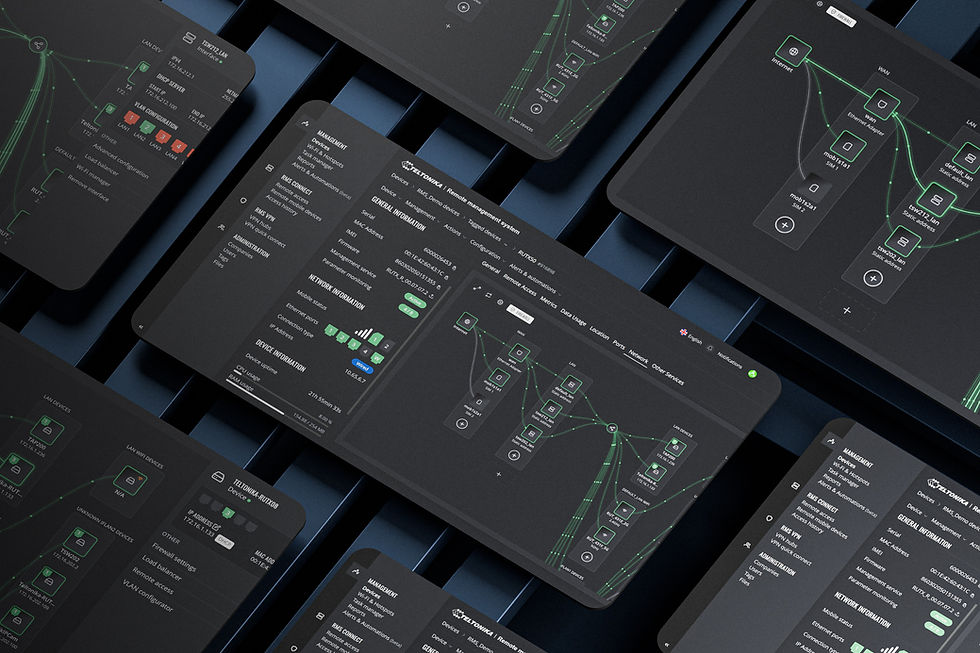
A new, visual way to manage your network is now available on RMS. Join RMS Product Owner Tomas Mikolaitis as he explores the new "Networks Map" feature, how to use it, and what value it brings to your remote networking solutions.

Icon_play.png

登壇者

​Q&A

Why are the VLANs merged in the sharing icon and split after the icon?(日本語)

The merge is done to keep the visualization tidy and avoid crossing lines. The "sharing" icon represents the transition point from the Teltonika router to a network.


Do you have to have an active license for each device to utilize full "Network map" capabilities with multiple connected Teltonika devices: managed switches, and access points?(日本語)

Yes, managed switches and access points must have active Management licenses to utilize full "Network map" capabilities.


Where can I find the "Network map" within RMS?(日本語)

At the moment, only RUTX series devices support "Network map." To access it, go to device details and press the tab named "Network."


When will RUT9, RUT2, and TRB series devices be supported?(日本語)

"Network map" is still a new tool with active development. We are open to feedback from RMS users with suggestions and ideas on where the "Network map" can improve.


"Network map" features are provided with an RMS license, or does it need an additional license?(日本語)

"Network map" comes as standard with RMS Management service.


ウェビナー録画

default-image.jpg

SWM28 - Switches Gestionables y RMS

default-image-person.jpg

Name S.

default-image-person.jpg

+1

登壇者

es

default-image.jpg

Meet Altos - Wi-Fi 7 Router for 5G Fixed Wireless Access. 5PM GMT+2

default-image-person.jpg

Name S.

default-image-person.jpg

+1

登壇者

en

default-image.jpg

Meet Altos - Wi-Fi 7 Router for 5G Fixed Wireless Access. 11AM GMT+2

default-image-person.jpg

Name S.

default-image-person.jpg

+1

登壇者

en

bottom of page